// Burger House — page screens

const Hero = ({ onShop }) => (
  <section className="section-pad-lg" style={{ padding: '48px 0 24px' }}>
    <div className="container">
      <div className="hero-grid" style={{
        background: 'var(--surface)',
        border: '1px solid var(--line)',
        borderRadius: 28,
        padding: '64px 56px',
        position: 'relative',
        overflow: 'hidden',
        display: 'grid',
        gridTemplateColumns: '1.1fr 1fr',
        gap: 32,
        alignItems: 'center',
        minHeight: 480,
      }}>
        <div style={{ position: 'relative', zIndex: 2 }}>
          <span className="eyebrow">Spring menu — out now</span>
          <h1 className="display hero-h1" style={{ fontSize: 'clamp(48px, 6vw, 86px)', margin: '20px 0 24px' }}>
            Burgers,<br/>built to <em style={{ color: 'var(--accent)', fontStyle: 'italic' }}>last</em>.
          </h1>
          <p style={{ fontSize: 17, color: 'var(--ink-2)', maxWidth: 460, margin: '0 0 32px' }}>
            Grass-fed beef, hand-formed patties, and buns baked the morning we serve them. No corners, no surprises — just the burger you remember.
          </p>
          <div className="row gap-12" style={{ flexWrap: 'wrap' }}>
            <button className="btn btn-primary" onClick={onShop}>See the menu</button>
            <button className="btn btn-ghost">Find a kitchen</button>
          </div>
          <div className="row gap-24 hero-stats" style={{ marginTop: 40 }}>
            {[['38', 'kitchens'], ['12 yrs', 'serving'], ['100%', 'grass-fed']].map(([n, l]) => (
              <div key={l} className="col">
                <span className="display" style={{ fontSize: 28 }}>{n}</span>
                <span className="mono" style={{ fontSize: 11, color: 'var(--ink-3)', marginTop: 4 }}>{l.toUpperCase()}</span>
              </div>
            ))}
          </div>
        </div>
        <div style={{ position: 'relative', display: 'flex', alignItems: 'center', justifyContent: 'center' }}>
          <div className="hero-circle" style={{
            width: 540, height: 540,
            borderRadius: '50%',
            position: 'relative',
            maxWidth: '100%',
            overflow: 'hidden',
            background: 'transparent',
          }}>
            <video
              src="public/hero.mp4"
              autoPlay muted loop playsInline
              style={{ width: '115%', height: '115%', objectFit: 'contain', position: 'absolute', top: '50%', left: '50%', transform: 'translate(-50%, -50%)', display: 'block', background: 'transparent', outline: 'none', border: 0 }}
            />
          </div>
        </div>
      </div>
    </div>
  </section>
);

const PromoStrip = () => (
  <section className="section-pad" style={{ padding: '24px 0' }}>
    <div className="container promo-grid" style={{ display: 'grid', gridTemplateColumns: '2fr 1fr 1fr', gap: 16 }}>
      <div className="card promo-hero" style={{ background: 'var(--ink)', color: 'var(--bg)', padding: 32, display: 'flex', alignItems: 'center', gap: 24, borderColor: 'transparent' }}>
        <div style={{ flex: 1 }}>
          <span className="eyebrow" style={{ color: 'var(--ink-3)' }}>Members</span>
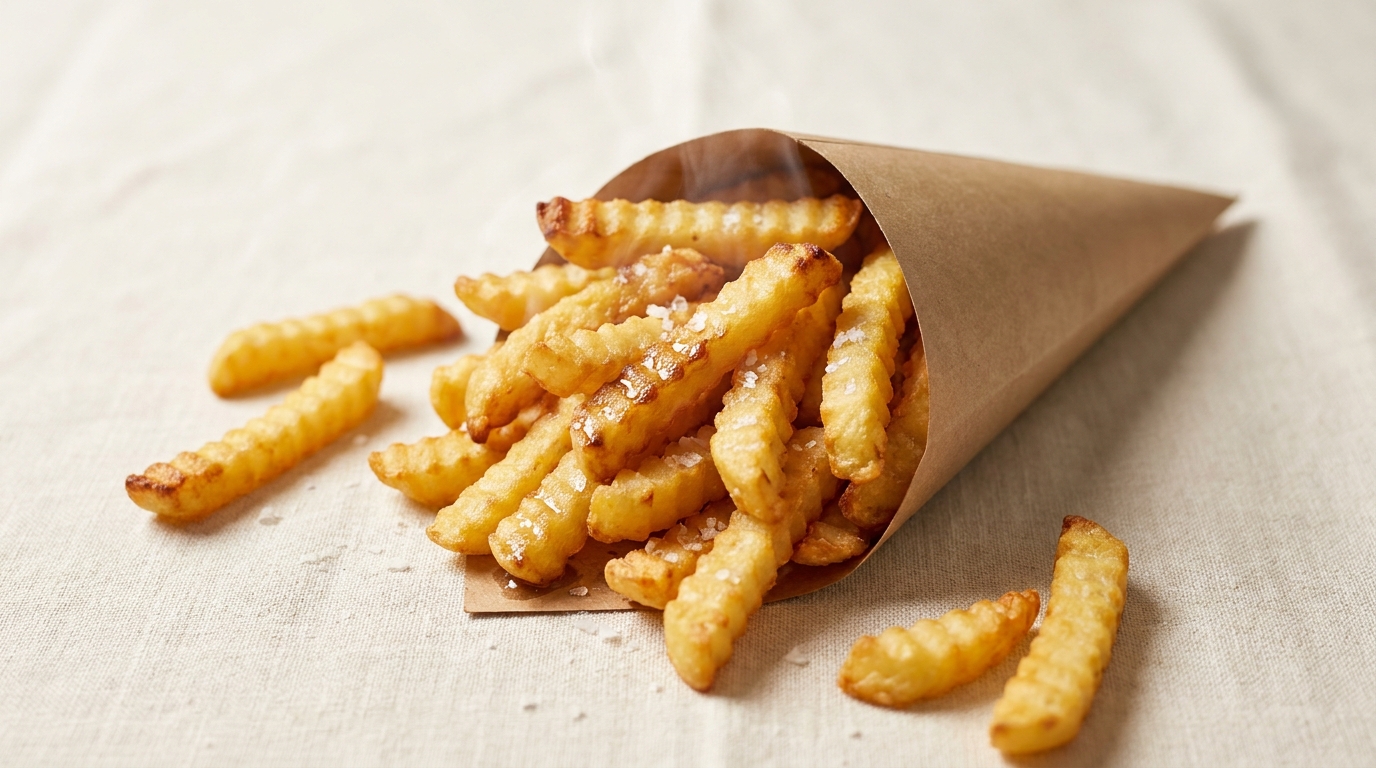
          <h3 className="display" style={{ fontSize: 28, margin: '8px 0 12px', color: 'var(--bg)' }}>Free fries with any burger, every Friday.</h3>
          <button className="btn btn-primary btn-sm">Join Rewards</button>
        </div>
        <div style={{ flexShrink: 0 }}><img src="public/crinkle-fries.jpg" alt="Crinkle Fries" style={{ width: 120, height: 120, objectFit: 'cover', borderRadius: 16 }} /></div>
      </div>
      <div className="card" style={{ padding: 24 }}>
        <span className="eyebrow">New</span>
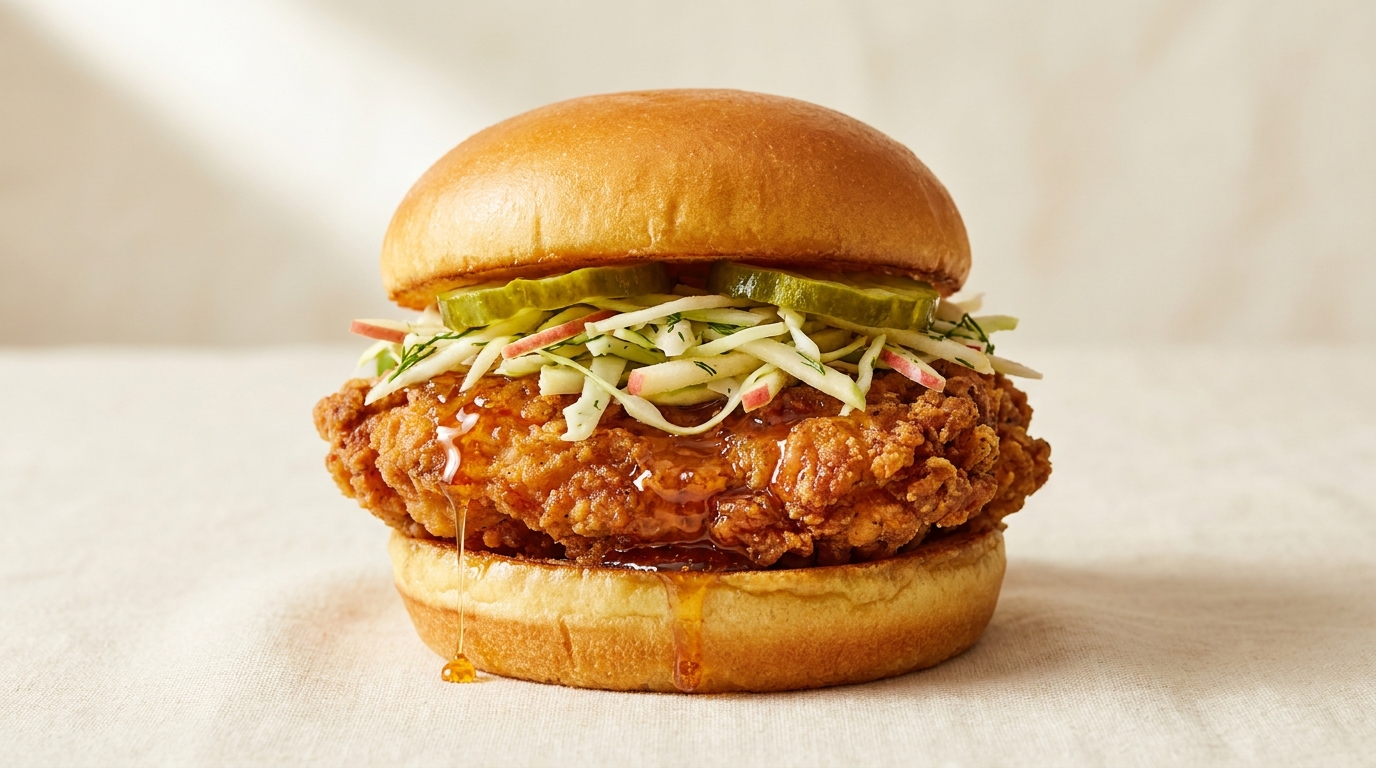
        <h4 style={{ margin: '8px 0 8px', fontSize: 18, fontWeight: 600 }}>Hot Honey Chicken</h4>
        <p className="muted" style={{ fontSize: 13, margin: 0 }}>Buttermilk-fried thighs, hot honey glaze.</p>
        <div style={{ marginTop: 16 }}><img src="public/hot-honey-chicken.jpg" alt="Hot Honey Chicken" style={{ width: 100, height: 100, objectFit: 'cover', borderRadius: 14 }} /></div>
      </div>
      <div className="card" style={{ padding: 24, background: 'var(--accent-soft)', borderColor: 'transparent' }}>
        <span className="eyebrow" style={{ color: 'var(--accent)' }}>Limited</span>
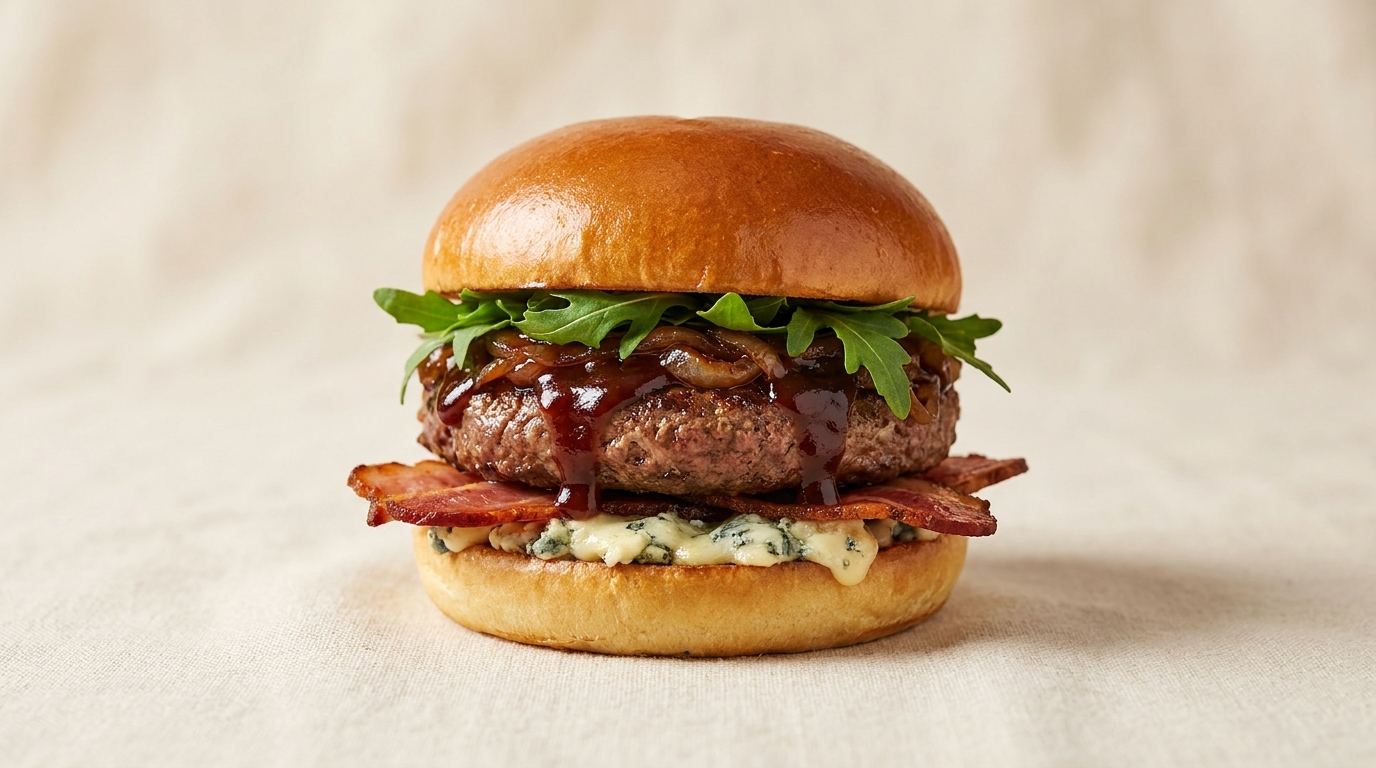
        <h4 style={{ margin: '8px 0 8px', fontSize: 18, fontWeight: 600 }}>Smoke & Blue is back</h4>
        <p style={{ fontSize: 13, margin: 0, color: 'var(--ink-2)' }}>Until 18 May.</p>
        <div style={{ marginTop: 16 }}><img src="public/smoke-blue.jpg" alt="Smoke & Blue" style={{ width: 100, height: 100, objectFit: 'cover', borderRadius: 14 }} /></div>
      </div>
    </div>
  </section>
);

const FeaturedRow = ({ onPick }) => {
  const items = PRODUCTS.filter(p => p.category === 'Burgers').slice(0, 4);
  return (
    <section style={{ padding: '64px 0 32px' }}>
      <div className="container">
        <div className="row between section-head" style={{ marginBottom: 32 }}>
          <div>
            <span className="eyebrow">Most ordered</span>
            <h2 className="display display-h2" style={{ fontSize: 44, margin: '12px 0 0' }}>The crowd favourites.</h2>
          </div>
          <button className="btn btn-ghost">All burgers →</button>
        </div>
        <div className="grid-4" style={{ display: 'grid', gridTemplateColumns: 'repeat(4, 1fr)', gap: 20 }}>
          {items.map(p => <ProductCard key={p.id} p={p} onClick={() => onPick(p)} />)}
        </div>
      </div>
    </section>
  );
};

const StoryStrip = () => (
  <section style={{ padding: '64px 0' }}>
    <div className="container story-grid" style={{ display: 'grid', gridTemplateColumns: '1fr 1fr', gap: 64, alignItems: 'center' }}>
      <div>
        <span className="eyebrow">Our promise</span>
        <h2 className="display display-h2-lg" style={{ fontSize: 56, margin: '16px 0 24px', lineHeight: 1.05 }}>
          Beef from one farm.<br/>Buns from one bakery.<br/>Sauce from one mum.
        </h2>
        <p style={{ fontSize: 16, color: 'var(--ink-2)', maxWidth: 480 }}>
          Every ingredient is traceable to a name and a postcode. We list calories per ingredient on every product page — because you deserve to know what you're eating, down to the pickle.
        </p>
      </div>
      <div className="story-cards" style={{ display: 'grid', gridTemplateColumns: '1fr 1fr', gap: 16 }}>
        {[
          { label: 'Brioche', sub: 'Hartley & Sons, Bristol', kcal: 175, img: 'public/story/brioche.jpg' },
          { label: 'Beef chuck', sub: 'Hill Farm, Devon', kcal: 280, img: 'public/story/beef-chuck.jpg' },
          { label: 'Cheddar', sub: 'Quicke\'s, Exeter', kcal: 110, img: 'public/story/cheddar.jpg' },
          { label: 'Sauce', sub: 'Made on-site daily', kcal: 70, img: 'public/story/sauce.jpg' },
        ].map((s, i) => (
          <div key={i} className="card lift" style={{ padding: 0, aspectRatio: '1', position: 'relative', overflow: 'hidden', display: 'flex', flexDirection: 'column', justifyContent: 'space-between' }}>
            <img src={s.img} alt={s.label} style={{ position: 'absolute', inset: 0, width: '100%', height: '100%', objectFit: 'cover' }} />
            <div style={{ position: 'absolute', inset: 0, background: 'linear-gradient(180deg, rgba(20,17,14,0) 30%, rgba(20,17,14,.78) 100%)' }} />
            <span className="display" style={{ position: 'relative', fontSize: 36, padding: 20, color: '#fff', textShadow: '0 2px 12px rgba(0,0,0,.45)' }}>{s.kcal}<span style={{ fontSize: 14, color: 'rgba(255,255,255,.75)', fontFamily: 'var(--font-mono)' }}> kcal</span></span>
            <div style={{ position: 'relative', padding: 20, color: '#fff' }}>
              <div style={{ fontSize: 15, fontWeight: 600 }}>{s.label}</div>
              <div className="mono" style={{ fontSize: 11, color: 'rgba(255,255,255,.78)', marginTop: 4 }}>{s.sub}</div>
            </div>
          </div>
        ))}
      </div>
    </div>
  </section>
);

const HomePage = ({ onNav, onPick }) => (
  <>
    <Hero onShop={() => onNav('menu')} />
    <PromoStrip />
    <FeaturedRow onPick={onPick} />
    <StoryStrip />
    <Footer />
  </>
);

Object.assign(window, { HomePage });